
Answers from your own records
Dashboards, required reports, and forecasts, with plain-language answers.
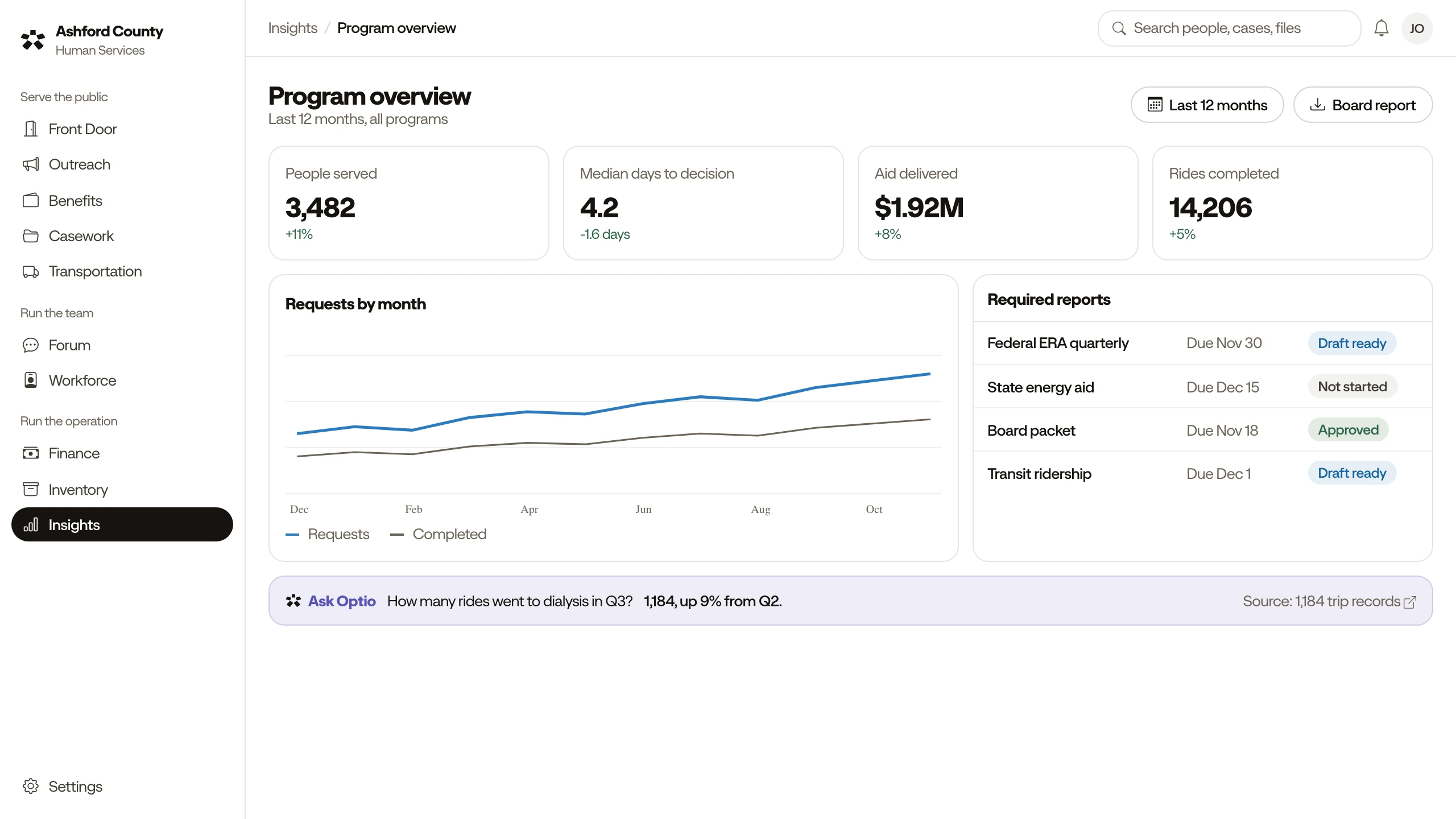
From spreadsheets to answers
A board member asks a question on Friday, and the answer takes a week to pull together.
Optio answers from your records and exports the report.
The quarterly report is rebuilt by hand from several systems.
Required reports come from recorded work, ready when due.
A funder asks for proof of impact, and all you have are headcounts.
Outcomes are tracked with the work, so you can show results.
Ask a plain question
Optio answers from your records. Staff review before anything is shared.
How many requests should we expect?
About 79 in October, up from 71 in September. Requests have risen four months in a row.
Forecasting
Draft the quarterly report.
The draft covers July to September: requests, people served, and referrals closed. Two program totals need a staff check.
Reports on request
What changed for people we housed?
Of 24 people housed since spring, 19 are still housed at six months, and 15 now have steady income.
Outcomes tracking
Everything in Insights & Reporting
Ask Optio about your data
Ask a plain question and get an answer from your records.
Reports on request
Describe a report, and Optio drafts it for review.
Dashboards
Current numbers for each role, updated as work is recorded.
Comparisons
Compare periods, programs, or groups side by side.
Required program reporting
Build the reports funders and agencies ask for, in the formats they use.
Outcomes tracking
Show what changed for people, not just headcounts.
Forecasting
See where demand, spending, and caseloads are heading.
Connected data sources
Bring in your existing databases and systems for answers and forecasts.
Report export
Export reports as PDF, spreadsheet, or data files.
Works with Casework, Finance, and Benefits & Assistance. Optio suggests, and people decide, in every module.