Optio
the assistant inside Decurion
Drafts, research, and alerts, with people approving every step.
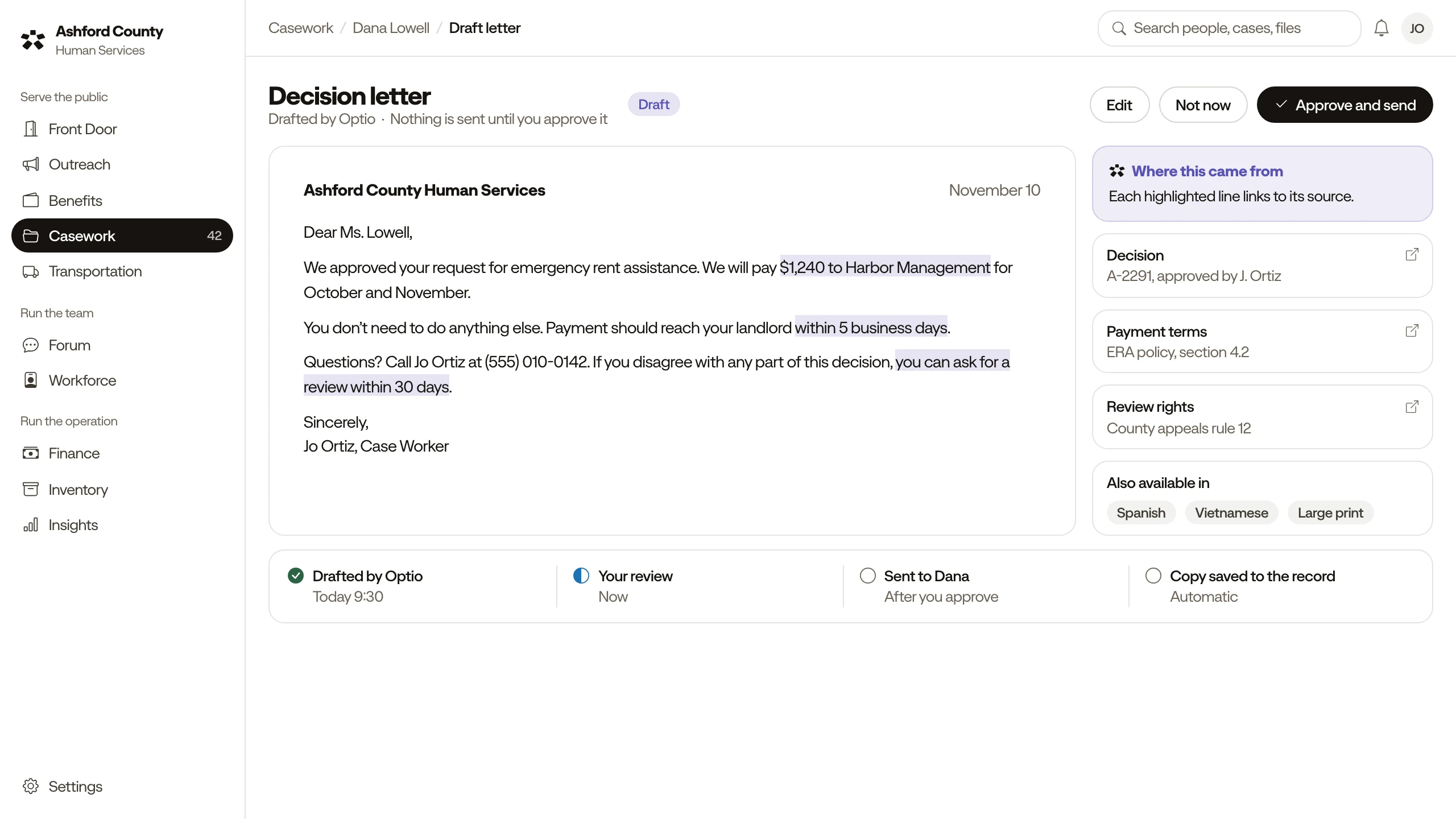
Seven jobs, always for review
Drafting
Fills in forms, claims, applications, licenses, and letters from your records.
Research
Finds programs, policies, and options, and lists the source for each.
Automation
Runs routine back-office work on a schedule you approve.
Watches and alerts
Watches for possible fraud, duplicates, and spikes, and alerts staff.
Reports and answers
Answers questions about your data and builds reports you can export.
Forecasts
Projects demand, budgets, and staffing for the months ahead.
Care flags
Flags patterns in a person’s record for staff to review.
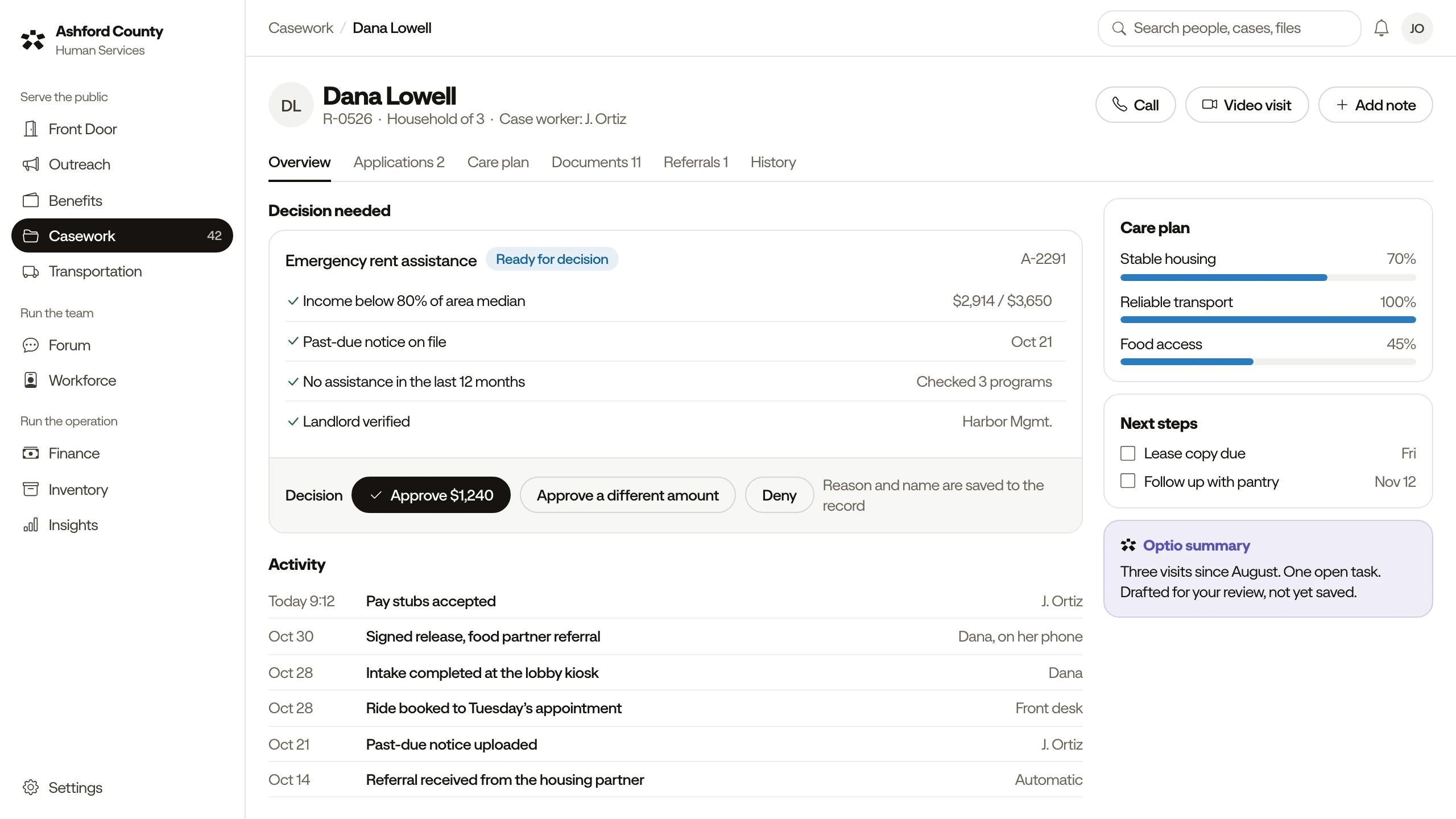
Optio suggests. People decide
Nothing is sent, paid, shared, or changed without approval.
Who does what
- Optio
- Drafts the enrollment form
- Your staff
- Review, sign, and send it
- Optio
- Flags a possible duplicate
- Your staff
- Decide whether it is one
- Optio
- Projects next month’s demand
- Your staff
- Set the staffing
- Optio
- Finds programs and lists the source
- Your staff
- Choose what to offer
- Optio
- Drafts the board report
- Your staff
- Approve what is shared
It does not diagnose, approve payments, or decide eligibility.
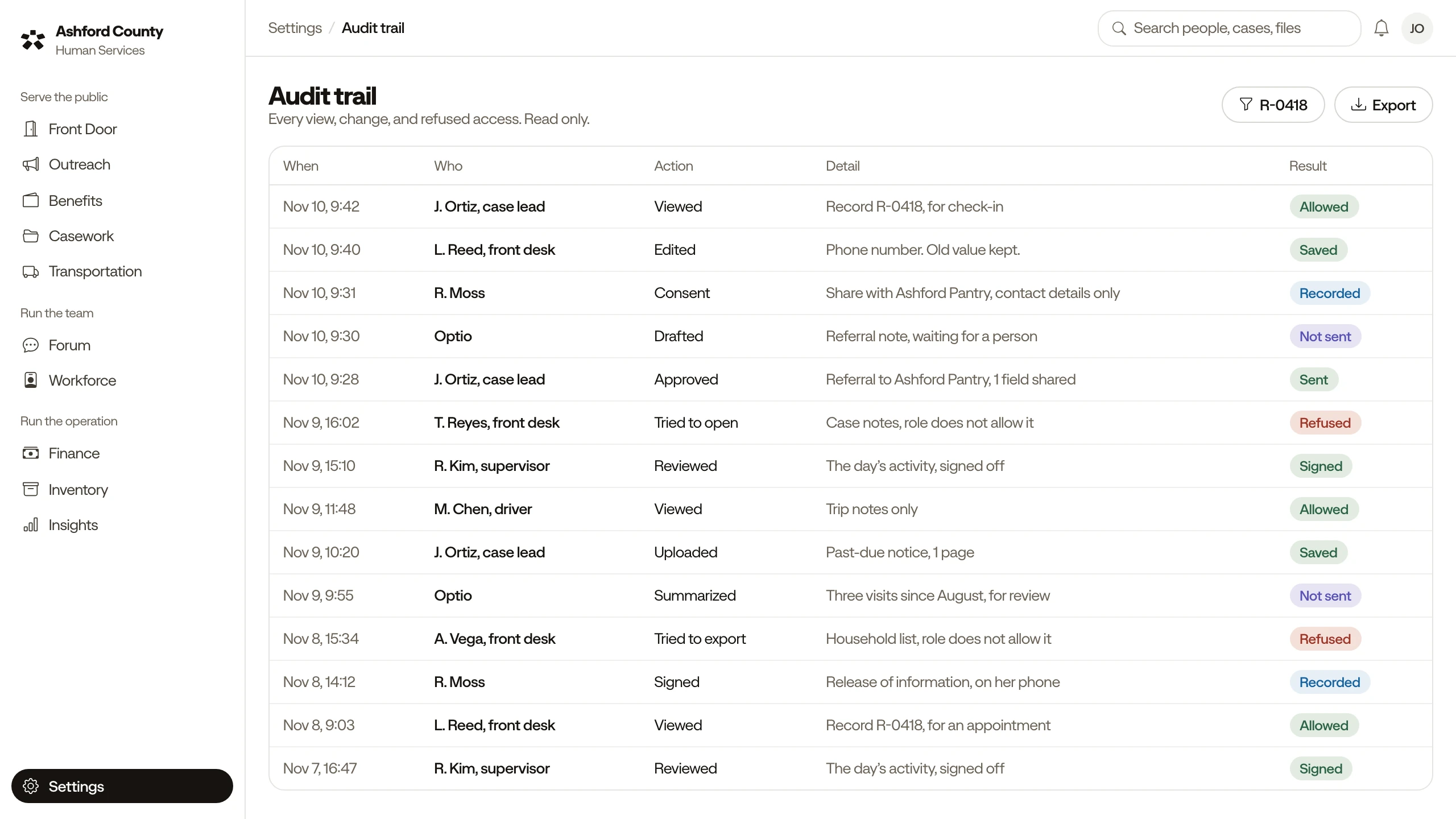
See what Optio read and did
- Outside your access: skipped, and logged.
- Waiting for a person.
- Approved by name, with a time.
- You choose what it watches.
Bring a question from your office
We answer it in the demo, with fictional records. Optio also answers how-to questions from OnDec lessons.